
An artist’s archive is easiest to build before anyone urgently needs it. The moment a museum requests installation history, an insurer asks for documentation, an estate needs a complete inventory, or a hard drive fails is the worst time to discover that the only record is scattered across phones, inboxes, and unnamed folders.
A useful digital archive does not need to begin with expensive software. It needs a stable structure, consistent habits, multiple copies, and enough information for someone other than the artist to understand what each file represents.
Start with one master record
Create a single inventory in a spreadsheet or collection-management system. Give every artwork a permanent identifier that does not change when the work moves, sells, or appears in a new exhibition. A simple sequence based on year and number can work, provided it remains unique.
Each record should include the title, creation date, medium, dimensions, edition information, signature details, current location, ownership status, price history where appropriate, exhibition and publication history, condition notes, and rights information. Link the record to images and documents rather than relying on memory to connect them later.
For digital, installation, or time-based work, add the software, hardware, codecs, dependencies, display instructions, version number, and acceptable substitutions. Record which parts are essential to the work and which may be migrated as technology changes.
Use filenames that explain themselves
Build filenames from the permanent identifier, a short title or view description, and the version or date. Avoid labels such as “final,” “final2,” and “really-final.” They stop being meaningful as soon as another edit appears.
Keep preservation masters separate from working and delivery copies. A high-quality master should remain unchanged. Smaller JPEGs or other practical formats can serve websites, email, and press requests. When sharing images online, the UK visual-arts rights organization DACS recommends low-resolution files and watermarks as measures that can reduce unauthorized downloading and reuse.
Keep three copies in more than one place
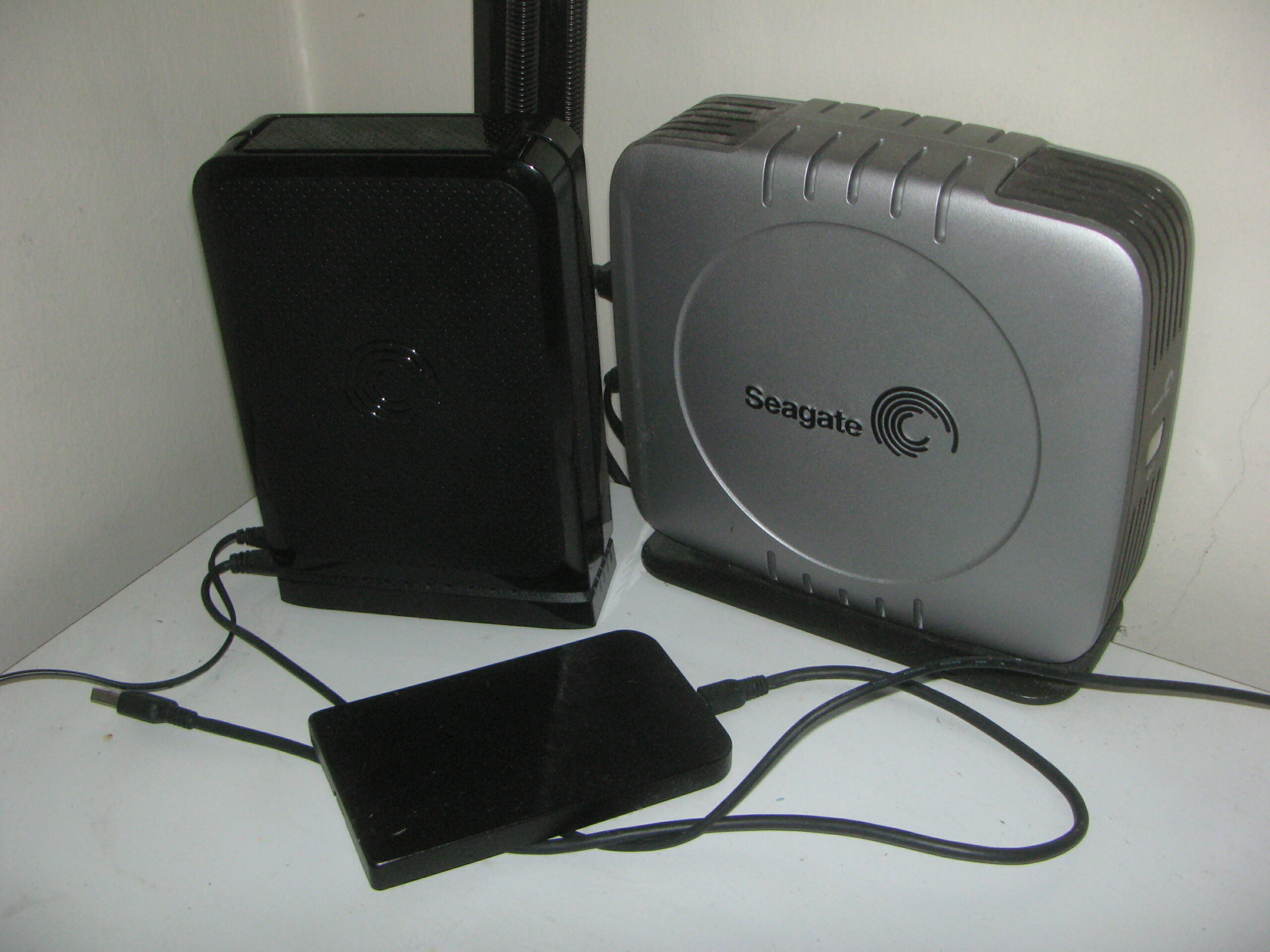
A file stored on one computer is not backed up. A strong baseline is the 3-2-1 approach: keep at least three copies, on at least two kinds of storage, with one copy in a different location. That might mean a working computer, an external drive, and an encrypted cloud or off-site copy.
Cloud storage is useful, but it should not be the only copy. Accounts can be locked, subscriptions can lapse, and synchronized deletions can spread quickly. External drives also fail, so replace aging media and test backups instead of assuming they work.
Make integrity visible
Preservation depends on knowing whether a file has changed. Checksums create a digital fingerprint that can reveal corruption. Many archive tools can generate them automatically; even a periodic checksum report is more reliable than opening a few files at random.
Schedule a yearly audit. Confirm that files open, links still work, storage is healthy, and contact or ownership information remains current. Every three to five years, review whether formats and media still have a viable future and migrate files when necessary. Keep the old copy until the new one has been verified.
Document rights and access
For every image and document, record who created it, who owns the copyright, what permissions exist, and where the signed agreement is stored. Separate public material from private correspondence, financial records, and sensitive personal information. An archive should make access easier without making everything public.
Finally, leave a short guide for another person. Explain the folder structure, naming system, inventory, backups, passwords or recovery process, and the location of legal documents. The test of an archive is not whether its creator can navigate it today. It is whether a trusted person can understand and preserve it years from now.
Begin with the newest ten works if the task feels overwhelming. Assign identifiers, create complete records, establish the backup routine, and then work backward. A small system used consistently is more valuable than an elaborate system that never becomes part of studio life.