
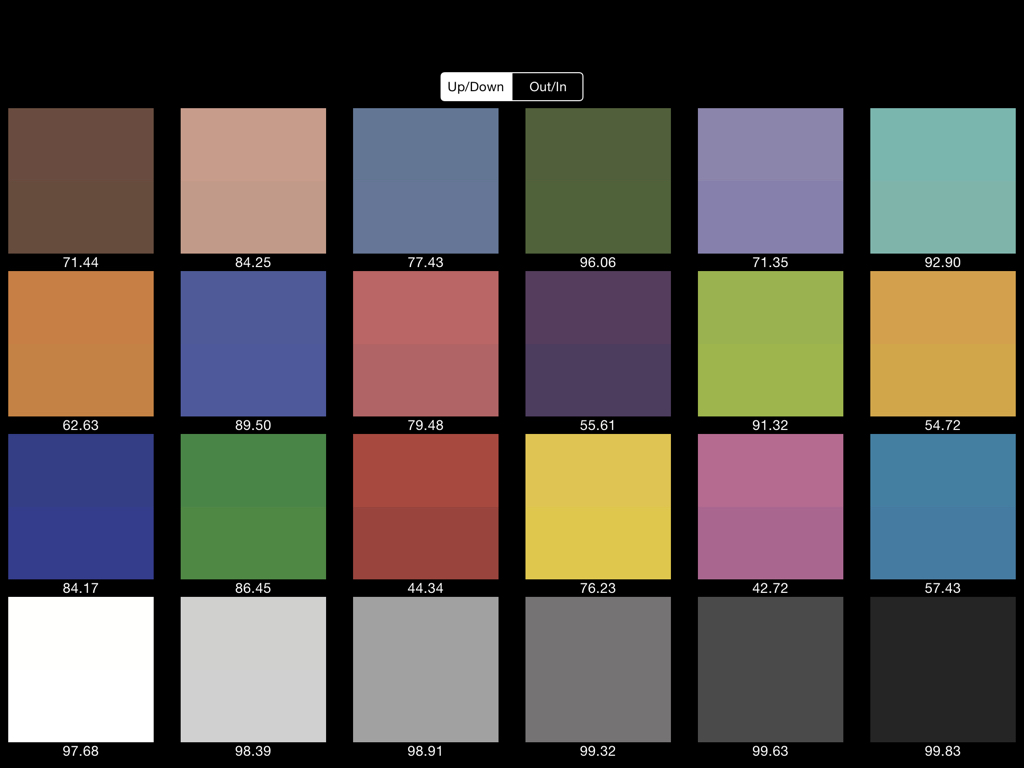

Photograph a painting on two different days and the same blue may come back as two different blues. When the images are months apart, it can be hard to tell what changed. A reference frame gives you a record of the conditions under which each session was made.
Make a reference frame before you change the setup
Place a neutral or color reference target beside the work so it receives the same light. Capture a frame with the target and another without it. Keep the camera settings and lighting consistent between those frames. If you move the lights, change the camera settings or switch rooms, make a fresh reference frame.
Save the reference alongside the original capture and the edited version. Use a file name that ties them together, for example painting-024-reference and painting-024-master. When somebody asks for a different crop or a larger file, that naming gives you a route back to the same capture conditions.
Check the reproduction against the work
Start with a neutral patch to look for an obvious cast, then compare critical colors and tonal relationships with the actual artwork under consistent viewing light. A reference alone cannot account for reflected glare or make a screen reproduce a metallic, iridescent or textured surface faithfully. For those works, keep a detail photograph that shows what changes as the light moves.
The Federal Agencies Digital Guidelines Initiative pairs imaging targets with evaluation software and ongoing testing. A studio can borrow the principle at a scale it can maintain. For a print job, ask the printer for its preferred file specifications and inspect a proof. Keep that approved proof or its details with the image files so the next job starts from a known reference.